A product page you scroll through in 3D
A hiking boot captured as a Gaussian splat, rendered live in the browser with PlayCanvas, and choreographed by the page's scroll. Try it yourself.
Launch the live demo
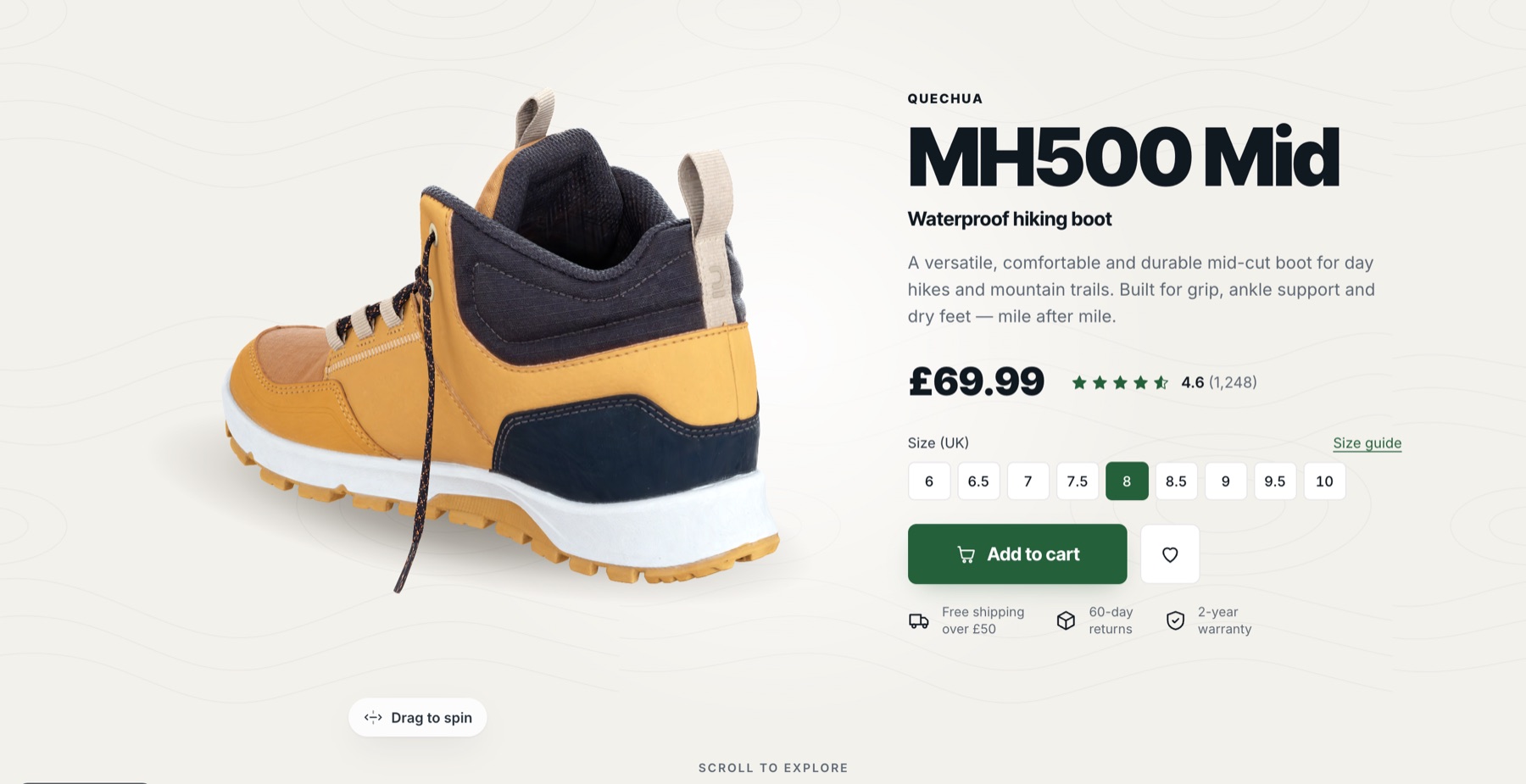
- Expertise
- Spatial Experiences
- Type
- Prototype
- Status
- Live
- Year
- 2026
- Focus
- Gaussian Splatting, PlayCanvas, WebGL, React, E-commerce
The project
Product photos are flat. A turntable viewer is better, but it sits in a box on the page and most people never touch it.
I wanted the product to be the page. Scroll, and the boot turns to show you the part you're reading about. Keep going and it rolls over to show you the grip. Stop, and you can pick it up and spin it yourself.
Try the live demo, ideally on a laptop first, then on your phone.
Why a splat and not a 3D model
A traditional 3D model of a boot is a mesh with textures. Getting nubuck, mesh panels, stitching and a scuffed rubber sole to look real takes an artist days, and it still tends to look like a game asset.
A Gaussian splat is different. It's captured from photos and stores the object as millions of tiny, soft, coloured blobs. No polygons, no textures. The result looks like a photograph you can walk around, because that's more or less what it is.
How a capture is made
You walk around the object with a camera, or turn it on a turntable, and take a few hundred overlapping photos: low, level and high, so every surface is seen from several angles. Soft, even light matters more than the camera. Hard shadows and reflections get baked into the result.
Software then works out where the camera was for every photo, from the features the images share. With those positions known, a splat is trained: millions of blobs are nudged in position, size, colour and transparency until rendering them from each camera position reproduces the matching photo.
The raw result needs cleaning. Stray blobs float around the object, the background comes along for the ride, and it all gets trimmed back to just the product. The scene also comes out at whatever angle and scale the software picked, so for this page I stood the boot upright on the ground, scaled it to real metres and centred it. That way every camera shot on the page can be written in the boot's own units.
Getting it down to 7.4 MB
The catch has always been size and speed. The original capture of this boot is an 84 MB file. No product page can ask a shopper to download that.
The page loads a single SOG file: the same splat, packed into compressed images. It comes in at 7.4 MB, over ten times smaller than the original, and keeps third-order spherical harmonics. Those are what make the colour change with the viewing angle, so the leather picks up highlights as it turns.
I tried a version without them. It was 4.6 MB, but the boot looked flat and painted. The extra 2.8 MB is what makes it look real.
The page drives the camera
Everything is rendered with PlayCanvas, on a transparent canvas fixed behind the page. React handles the copy, buttons and layout as normal HTML.
The trick is in how the two talk. I didn't write a timeline. Instead, any element on the page can be marked as a camera keyframe: "when this reaches the screen, look at the heel". The camera eases between them as you scroll. If the copy gets longer, or the layout changes on a phone, the camera follows the layout automatically.
The story goes like this:
- Hero: the boot spins slowly. Drag it and it stays where you leave it, then starts turning again after eight seconds.
- Features: the section pins and the camera tours the lacing, heel, upper and midsole, one at a time.
- Grip: the boot rolls over to show its sole, then the camera pushes in on the lugs.
- Explore: free orbit. Tap a part and the boot turns to face you.
- Specs: it settles beside the spec table and the buy box.
To keep the boot to one side of the text without bending its perspective, the image is shifted with an off-centre projection rather than by moving the camera.
Hotspots that stay glued on
The dots that label the lacing, the heel pull and the outsole are normal HTML, so they're crisp, accessible and easy to style. Getting them to stick to a model that's constantly moving took some care.
I measured each anchor point on the shoe from orthographic renders on a 2 cm grid. Every frame, each one is projected through the real camera matrix and the dot is moved to that spot on screen. A dot hides when its part of the boot faces away from you. For parts that exist on both sides, like the collar and the midsole, it uses whichever side you can see.
Small things that mattered
- No lighting jumps. PlayCanvas normally only refreshes view-dependent colour after the camera turns 10 degrees, which shows as flickers in the lighting while the boot spins. I set it to refresh on every frame.
- Phones get their own layout. On a narrow screen the boot lives in a band at the top and the copy scrolls up underneath it, fading out before it reaches the boot.
- No React re-renders per frame. The scroll position, drag state and hotspot positions live in one small shared object that the render loop reads directly.
What this is for
This is a concept, not a real shop. The cart counts clicks and nothing more, and it isn't affiliated with the brand. The approach is what's real, though: any product you can photograph can be a page like this, and it loads about as fast as a hero video.
How it was made
- Original splat (PLY)
- 84 MB
- What the page loads (SOG)
- 7.4 MB
- View-dependent colour kept
- SH3
- Hotspots glued to the surface
- 9
Capture
Hundreds of overlapping photos of the boot from every angle, solved into camera positions and trained into a photoreal Gaussian splat.
Clean up
Re-oriented, scaled to real metres and centred, so every camera shot is written in the shoe's own units.
Compress
Packed from an 84 MB PLY into a 7.4 MB SOG file, keeping the spherical harmonics that make the leather catch the light.
Choreograph
Camera shots tied to the page's layout, so scrolling drives the camera and the boot turns, rolls and zooms with the story.
Related projects
All Spatial Experiences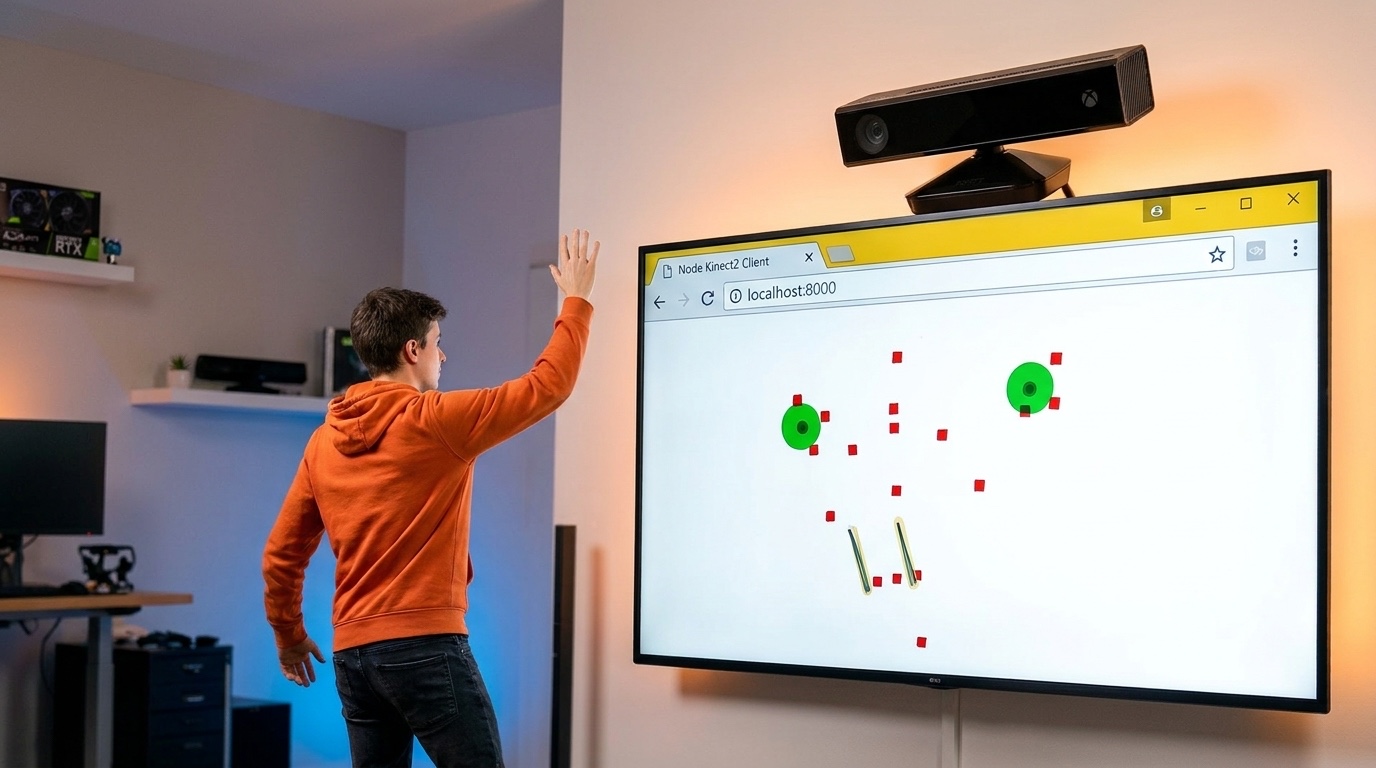
Touch-free screens with Kinect gesture tracking
Full-body skeleton tracking streamed into the browser, turning any big screen into something people control with their hands.
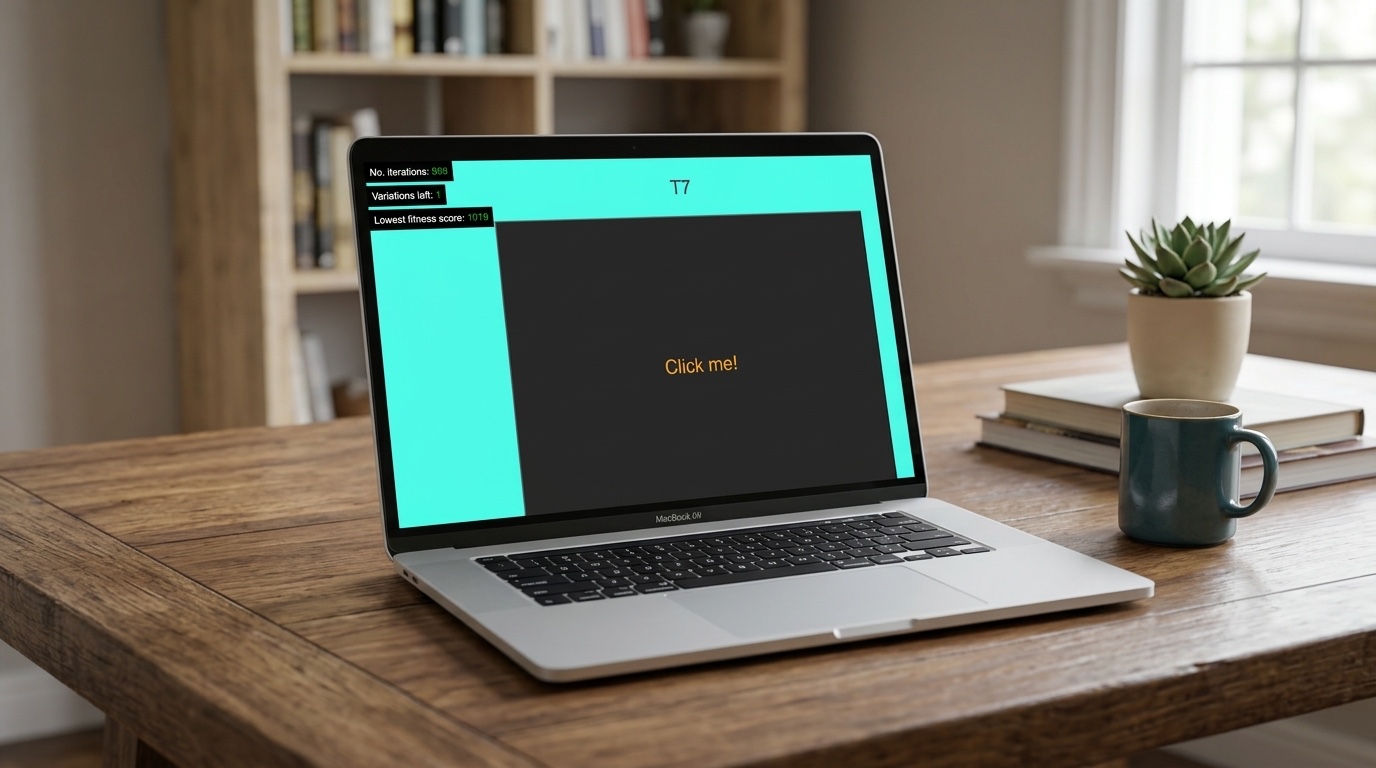
Genetic UI: letting interfaces evolve
A 2018 experiment that treats a UI component as DNA, generates a thousand random variants, and lets natural selection find the one that works.

Billboards that read the room
A vision model looks at who's walking past a digital billboard, then picks the ads most likely to land. Online-style targeting, out on the street.