React IoT: building electronics like we build websites
Two ideas for bringing web-style structure to hardware: a markup language for physical devices, and React components that switch real lights and read real sensors.
 Mate MarschalkoFounder & ConsultantCompleted
- Expertise
- Software Engineering
- Type
- Experiment
- Status
- Completed
- Year
- 2017–2021
- Focus
- React, IoT, Architecture, Johnny-Five, Arduino
The project
Web developers have spent twenty years learning how to keep big projects tidy. Separate content from styling from behaviour. Build small, reusable components. Let state drive the UI.
Hardware projects mostly ignore all of that. Every build starts from scratch, and the logic ends up in one long loop that only its author understands.
I wanted to fix that. So I tried two very different approaches.
Idea one: markup and stylesheets for physical things
HTML describes documents. SVG describes graphics. Why not a markup language for devices?
I sketched IOTML. Rooms, sensors, lights and motors become elements, with their relationships and state as attributes:
<room type="bedroom" class="kids-room">
  <light type="led" colors="rgb" dimmable />
  <sensor type="temperature" scale="celsius" />
</room>
Then a CSS-like layer for behaviour, with environment queries in place of media queries:
@environment (max-temp: 18c) {
  thermostat { power: on; }
}

.romantic { brightness: 45%; color: #882211; }
You can read the whole system at a glance. What's in which room, what's on, what reacts to what. The same reason HTML works.
Idea two: React, minus the DOM
React was never really about browsers. React Native, React Three Fiber and React VR all prove the point. So I ran React in Node.js and pointed it at an Arduino.
Each electronic part becomes a component. Sensors push readings into state. State flows down as props. Components switch real circuits in response.
const World = () => {
  const [lightLevel, setLightLevel] = useState(0);

  return (
    <>
      <Led pin="6" poweredOn={lightLevel < 100} />
      <LightSensor pin="A0" onChange={setLightLevel} />
    </>
  );
};
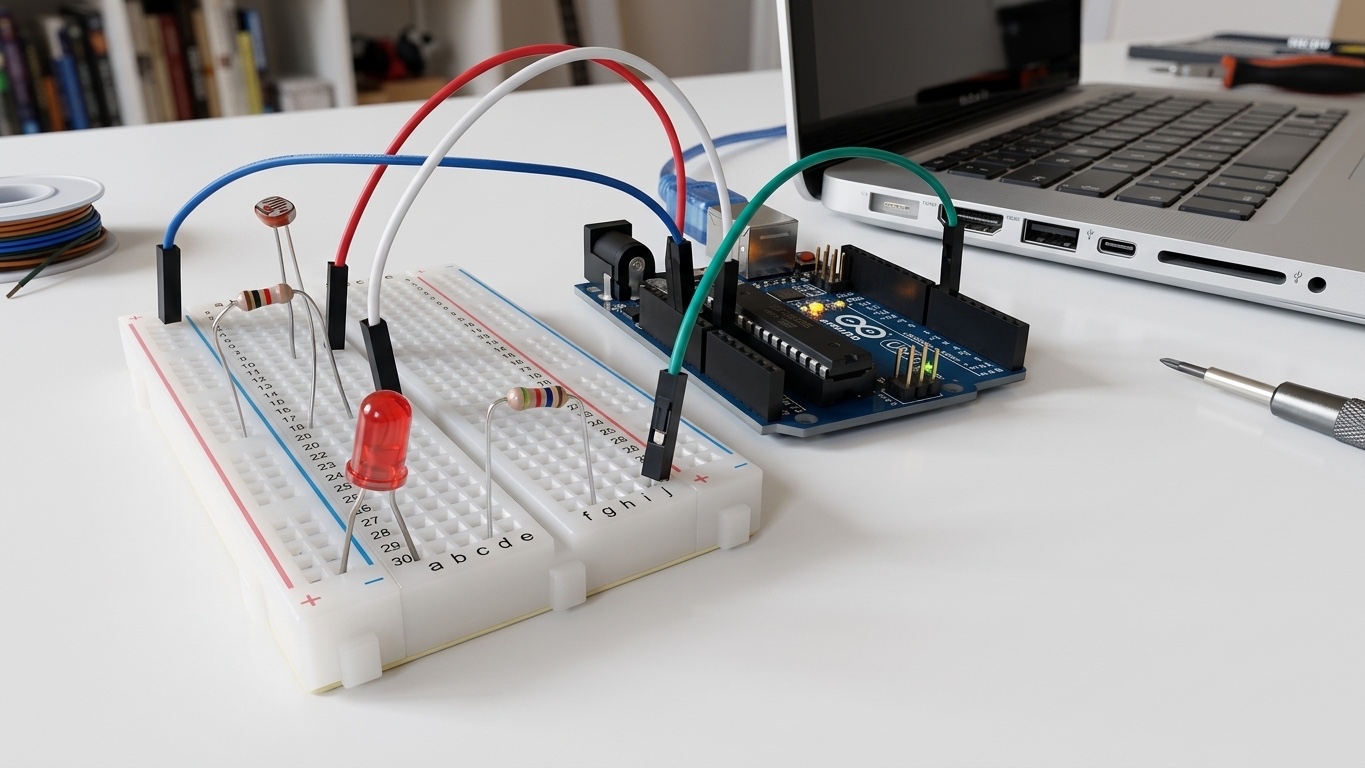
Cover the sensor and the LED comes on. That's the whole program.
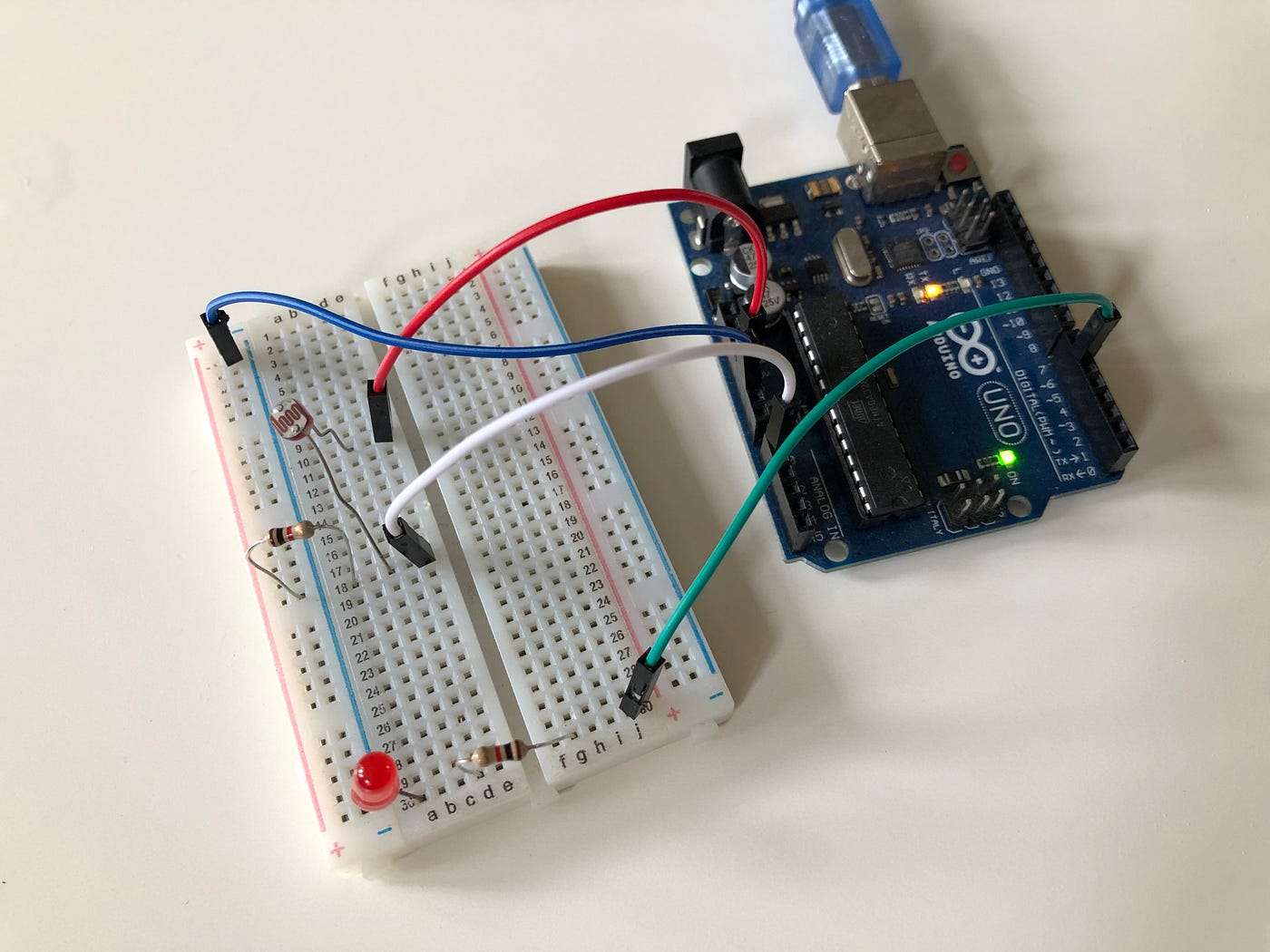
A couple of tricks made it work. react-test-renderer keeps the component tree alive in Node, re-rendering on every state change, where server-side rendering would just spit out a string. And Johnny-Five does the talking to the board over USB. Each component holds its hardware instance in a ref and returns null. There's nothing to draw, only things to switch.
Why it's more than a party trick
Once hardware speaks React, home automation reads like a UI:
<Bathroom>
  <MotionSensor pin="4" onChange={setMotion} />
  <Light pin="6" poweredOn={motion && lightLevel < 50} />
</Bathroom>
Every React developer on your team can now read, test and change device logic. Components get reused across products, and the patterns you trust for web apps carry straight over to firmware.
What this says about how I work
I like to borrow good ideas from one field and drop them into another. It's how you end up with systems that are easier to maintain, quicker to extend and less dependent on one person's head. If your connected product has outgrown its spaghetti, let's talk.
Related projects
All Software Engineering
Stracciatella: a modern web app architecture with no framework
Components, theming, inheritance and a Redux-style store in plain JavaScript. Proven in production on a luxury travel website.
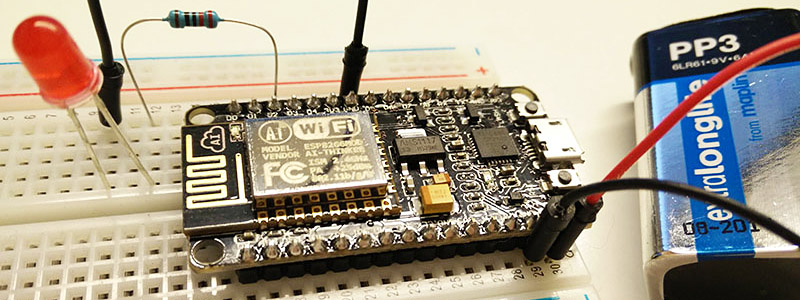
A $2 web server that can think
An ESP8266 chip running a web server on a 9V battery. Back then it switched a light. Today it can ask a language model what to do next.
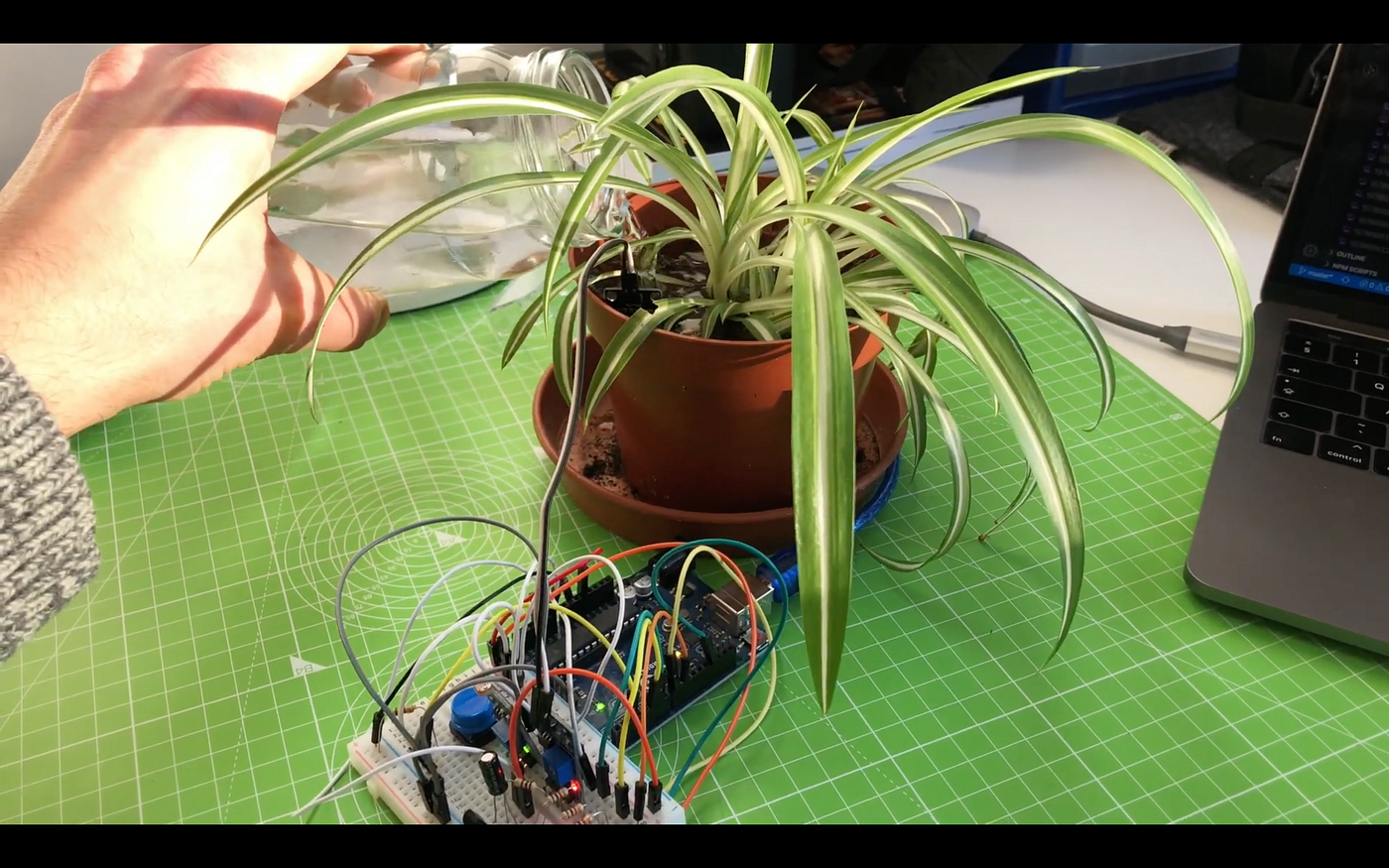
George II: a talking plant that sees, listens and remembers you
A desk plant with real sensors, face recognition, voice and memory. Cloud AI services stitched together into one character.